
PlayX OTP Safety: 8 Rules for Login and Payment Codes
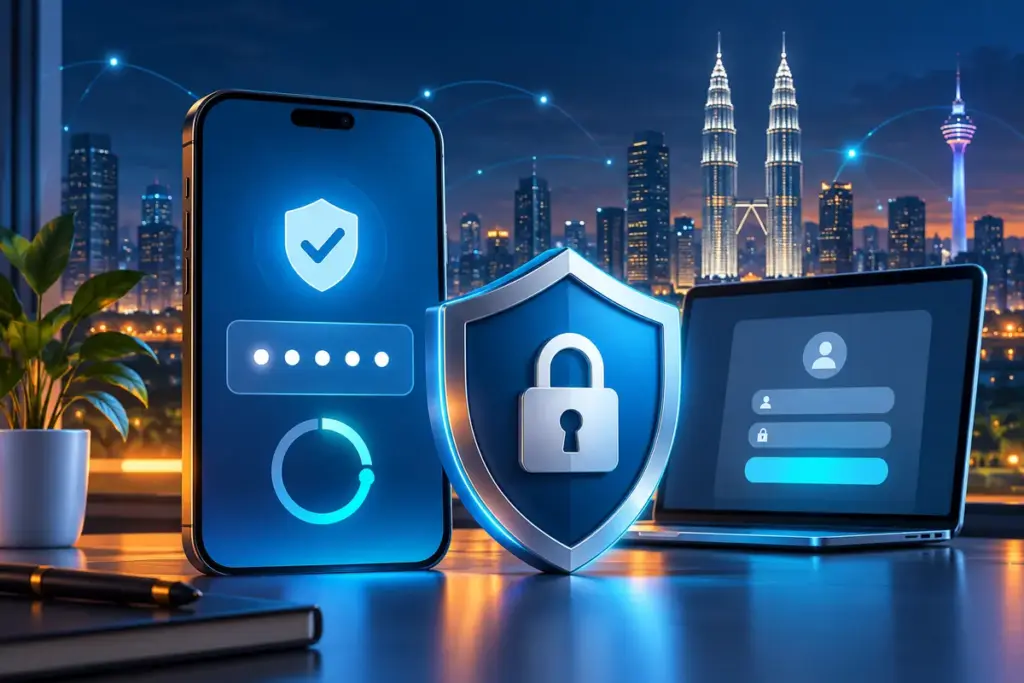
An OTP should appear because you started a specific action: signing in, changing an account detail, recovering access or confirming a payment. If a code arrives when you are doing none of those things, treat it as a warning rather than an invitation to investigate through the message.
This guide explains practical OTP safety for adults in Malaysia using PlayX-related access pages and third-party platforms. Verification methods can change, and not every account will show the same prompt. Always follow the current screen while keeping passwords, OTPs, TAC numbers and approval requests private.
What an OTP can—and cannot—prove
An OTP, or one-time password, is normally valid for one action and a limited period. It adds a second check beyond the account password. That extra check makes an account harder to access with a stolen password alone, but it does not make every page displaying an OTP box trustworthy.
A fake page can ask for a real code. A caller can claim the code is needed to cancel a transaction. An unexpected approval prompt can be sent repeatedly in the hope that someone accepts it. The safest habit is to connect every code with an action you personally started on a page or app you intended to use.
Eight OTP rules worth keeping
1. A code belongs only to the action you started
Before entering a code, pause and name the action: “I am signing in,” “I requested a password reset,” or “I am approving this payment.” If you cannot identify the action, do not use the code. An OTP should never be used simply because another person says it is required.
2. Read the message, not only the digits
The surrounding message may state whether the code is for login, account recovery, device registration or payment approval. Check that description against what is on your screen. A login code should not be treated as a support verification code, and a payment TAC should not be used to “reverse” or “secure” a transaction.
3. Never send an OTP through chat or a phone call
Do not type an OTP into WhatsApp, Telegram, email, live chat or an SMS reply. Do not read it aloud to someone who called you. The Association of Banks in Malaysia states that member banks do not request sensitive banking information, including SMS OTP or TAC numbers, during phone calls.
4. Do not approve a prompt to make it stop
Repeated approval notifications can be designed to create frustration or confusion. Deny an unexpected request. If prompts continue, stop interacting with them, open the account through your usual route and review the account security options. Approval is authorisation, not a method for dismissing a notification.
5. Enter the code only on the page you verified
Check the domain and connection before entering the password, then check them again before entering the OTP. A convincing sign-in page can still be an imitation. Use the PlayX access page checklist when a route, redirect or sign-in prompt looks different from your normal experience.
6. Request one code at a time
Repeatedly pressing “send again” can produce several messages, make it unclear which code is current and trigger temporary rate limits. Request one code, wait for the stated period and use only the most recent code if the page clearly indicates that an earlier one has been replaced.
7. Keep account codes and banking codes separate
A platform login OTP and a bank’s transaction TAC serve different purposes. Never move a code from one flow into another because a caller or message asks you to. For payment-specific checks, follow the PlayX payment safety checklist.
8. Act on an unexpected code without using it
An unrequested OTP can mean someone entered the wrong number, tried a password reset or attempted to access the account. Do not click a link in the message. Open the relevant service independently, review recent activity if that option exists and change the password if there is evidence of an access attempt.
How to read an OTP event
| Event | What to check | Safe response |
|---|---|---|
| Expected login code | You started the login on the verified page and the message describes a login | Enter it only on that same page |
| Unexpected code | You did not start a login, recovery or account change | Do not use or share it; review the account independently |
| Repeated approval prompts | No action on your screen explains the requests | Deny them and secure the account through the normal route |
| Payment TAC | Recipient, amount and transaction are exactly what you initiated | Approve only after checking the final payment details |
| Code requested by another person | A caller or chat contact claims to need the digits | End the conversation and contact the service through a verified channel |
What to do when an unexpected OTP arrives
- Do not reply, forward the code or click a link in the message.
- Do not approve any notification connected with an action you did not start.
- Open the account using a saved address, bookmark or independently verified route.
- Check recent sessions, devices or account activity if those controls are available.
- Change the password if the account shows an unfamiliar attempt or if the password was reused elsewhere.
- Sign out unfamiliar sessions and remove devices you do not recognise.
- Use the stated support process if you cannot review or secure the account yourself.
Do not use the phone number or link contained in a suspicious message to investigate that same message. An attacker who controls the message also controls the contact route printed inside it. The customer support guide explains how to prepare account details without disclosing passwords or codes.
When the expected code does not arrive
A missing OTP is usually a delivery or account-detail problem, not a reason to disclose more information. Check the masked phone number or email address shown on the screen, the device’s mobile signal or internet connection, the message spam folder and whether notifications from unknown senders are filtered.
Wait for the stated delivery period before requesting another code. Keep the page open only if it remains on the domain you verified. If the code arrives after you have closed the process, do not reuse it later; begin a fresh attempt through the normal login route.
If the registered phone number or email is no longer available, use the provider’s account recovery procedure. Do not ask another person to receive the code on your behalf and do not accept an unofficial “manual verification” process that requires a password, PIN or banking TAC.
Changing a phone, SIM or registered number
Plan account recovery before replacing a phone or losing access to a number. Confirm which email address and telephone number are registered, sign out the old device when possible and review the provider’s process for changing security details.
A sudden loss of mobile service can have an ordinary explanation, but it can also matter when SMS codes protect important accounts. If the SIM stops working unexpectedly, contact the mobile carrier through its official channel and review accounts that rely on that number. Do not wait for an unknown caller to explain the outage.
When stronger verification options are offered, compare them before choosing. CISA notes that MFA methods provide different levels of protection and that SMS or email codes are weaker than phishing-resistant methods. This does not confirm that any particular option is available for a PlayX-related account; it is a general reason to use the strongest supported method you can manage reliably.
OTP safety during payments and withdrawals
A banking TAC or approval prompt can authorise movement of money. Read the recipient, amount and purpose before confirming. If any item differs from the transaction you intended, cancel instead of assuming it will be corrected afterwards.
No legitimate troubleshooting step requires you to share a live TAC so that someone can “check” a delayed deposit, cancel a withdrawal or release funds. Keep the platform transaction reference and the bank transaction reference for support, but keep the authorisation code private.
Current payment methods, limits and processing descriptions should be checked on the third-party platform. The PlayX Payments Guide explains the broader deposit and withdrawal flow without claiming guaranteed processing times.
Screen sharing and screenshots can expose a code
A code can be captured without being read aloud. Notification previews may appear while a screen is being shared, and screenshots can include the OTP, account number or password-reset link. Stop screen sharing before requesting a code and crop sensitive information before attaching evidence to a support case.
Do not allow an unknown person to install remote-access software or control the device while you sign in. If remote access has already been granted, disconnect it, remove the software, review device permissions and change important passwords from a trusted device.
Why OTP protection is useful but not absolute
Multi-factor authentication adds protection because a password alone is no longer enough. However, a one-time code can still be captured through a phishing page, exposed through screen sharing or surrendered during a convincing phone call. Repeated push prompts can also pressure someone into approving an action they did not initiate.
The code should therefore be treated as the final key for one clearly identified action. It is not proof that the website is genuine, that the caller is legitimate or that the transaction details are correct. Those checks must happen before the code is entered.
If an OTP was shared or an unknown request was approved
- End the call, chat or screen-sharing session immediately.
- Open the affected account through its normal address and change the password.
- Review active sessions, registered devices and recovery details.
- Contact the relevant platform through a verified support route.
- If banking details or a banking TAC were involved, call the bank using its official hotline.
- Check transaction history and preserve messages, numbers, URLs and timestamps.
For an unauthorised Malaysian banking transaction, Bank Negara Malaysia advises contacting the bank’s 24-hour hotline or the National Scam Response Centre at 997. Act promptly and obtain the bank’s number from its official website, app or card rather than from the suspicious message.
Common questions about PlayX OTP safety
Does every PlayX login require an OTP?
Not necessarily. Verification can depend on the provider, device, account action and current security process. Follow the prompt shown on the verified page without assuming that every login should behave identically.
Can support ask me to read out an OTP?
No live OTP, TAC, PIN or password should be disclosed through a call or chat. End the conversation and return through the verified support route if someone requests one.
What if several codes arrive after I pressed resend?
Use only the newest code for the same active request if the page clearly indicates that older codes have been replaced. If the situation is unclear, close the flow and start again from the verified page.
Is an SMS OTP completely secure?
No authentication method should be treated as absolute. An OTP adds useful protection, but it can still be exposed through phishing, social engineering, screen sharing or control of the phone number.
Can playx-online.com reset an OTP or recover an account?
No. playx-online.com publishes independent information and guides. It does not operate third-party accounts, issue verification codes or access account recovery systems.
Continue with the relevant guide
- For passwords, devices and account recovery, read PlayX Account Security.
- For sign-in troubleshooting, open the PlayX Login Guide.
- Before using an unfamiliar address, follow the PlayX Access Page Checklist.
- Before approving a bank transfer, use the PlayX Payment Safety Checks.
Sources and further reading
- Association of Banks in Malaysia: Sensitive customer information and phone calls
- Bank Negara Malaysia: Unauthorised transactions and withdrawals
- CISA: Make accounts safer with multifactor authentication
- CISA: Implementing phishing-resistant MFA
Editorial note: Prepared by the playx-online.com Editorial Team as independent information for adults in Malaysia. Account prompts and verification methods should be checked on the relevant third-party platform before acting.
Prepared by the playx-online.com Editorial Team as independent information. Check current terms and account details at the relevant destination.
Related Guides
PlayX Payment Safety Checks Before You Deposit or Withdraw
A practical payment checklist for adults in Malaysia, covering recipient verification, transaction records, deposits, withdrawals and suspicious requests.
PlayX Access Page Checklist: 7 Checks Before Sign-In
A practical seven-point checklist for reviewing a PlayX access page, protecting login details and responding to unexpected redirects or prompts.